
Short answer: integrating sales AI with your CRM means connecting a tool that listens to your sales conversations and writes into the CRM on its own — notes, summaries, tasks, and specific fields. Reps stop entering data by hand, and the CRM reflects what was actually said.
"Please update the CRM." It's the line every sales leader repeats and no rep wants to hear. The problem isn't that reps are sloppy: it's that updating the CRM by hand after every call is admin work competing with selling. The result is an incomplete CRM and decisions made on data that doesn't reflect reality.
Integrating sales AI with your CRM fixes the root cause. In this guide we look at what can be automated, which CRMs it works with, what implementation looks like, and what criteria to use when choosing a tool.
Quick summary:
- A real integration is bidirectional: the AI reads context from the CRM and writes back to it.
- Notes, summaries, tasks, and custom fields (extractors) all get automated.
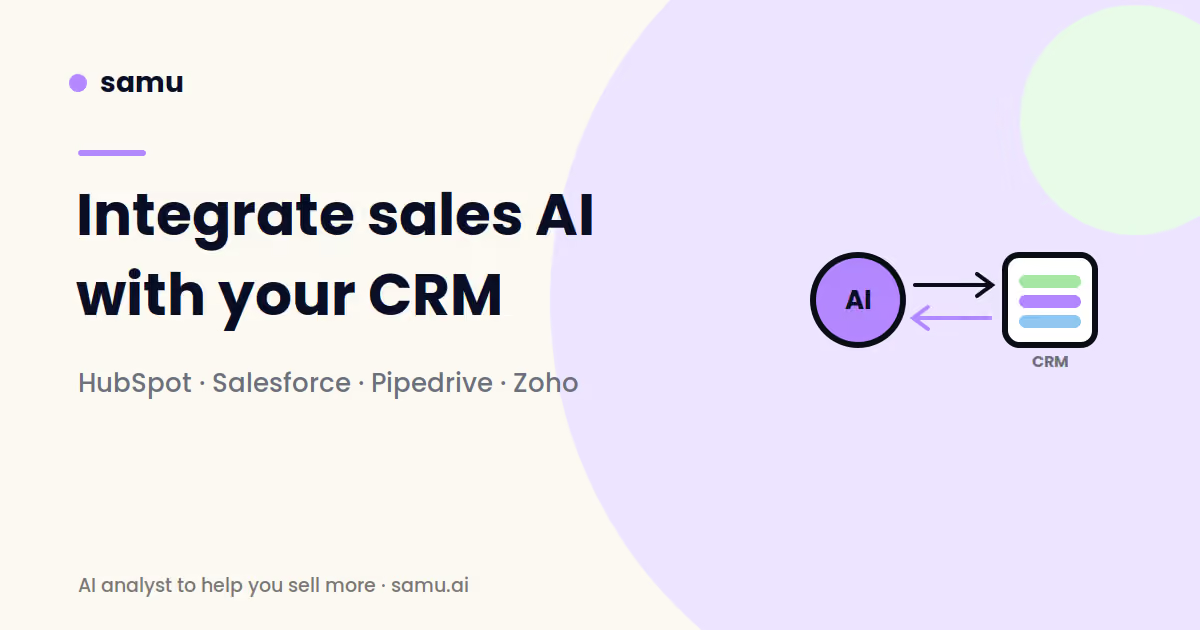
- Samu integrates natively with HubSpot, Salesforce, Pipedrive, Zoho, and Freshsales.
- A notetaker that only summarizes isn't an integration: the tool has to understand the deal's context.
What does it mean to integrate AI with the CRM?
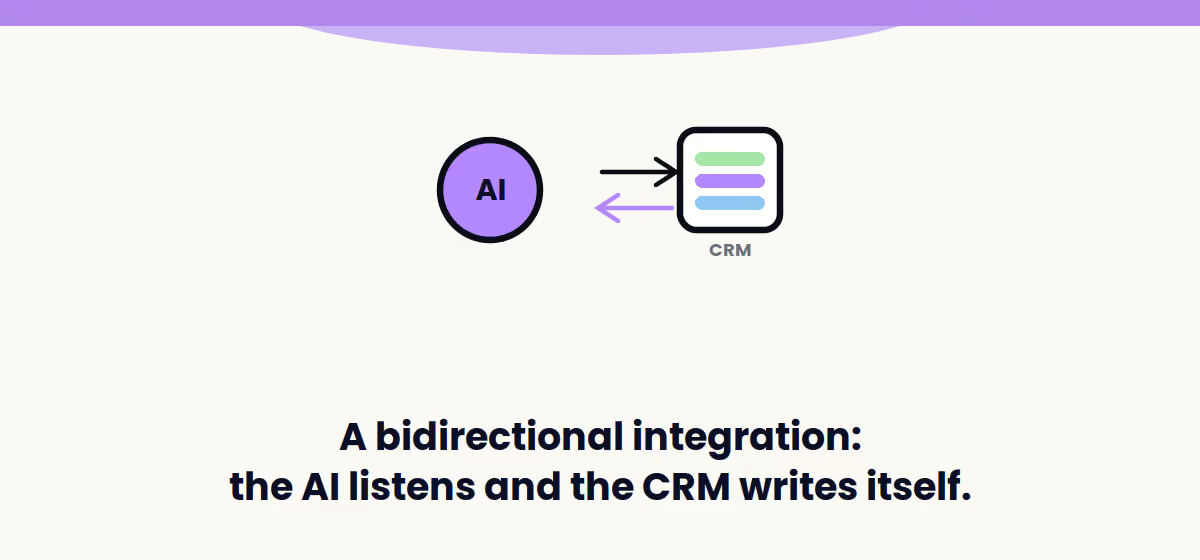
It's not exporting a CSV once a month. A real integration is bidirectional: the AI reads the CRM's context (which deal it is, what stage it's in, who the contact is) and, after the call, writes back notes, summaries, tasks, and specific fields. All tied to the right deal, with no manual work.
The practical difference: a tool that only transcribes leaves you a document someone still has to read and copy. A bidirectional integration leaves the CRM ready for Monday's pipeline review.
What can you automate?
Notes and summaries
Every meeting generates a summary with real context, attached to the right contact and deal. Not a generic "pricing was discussed" summary, but the points that matter for that type of call.
Tasks and next steps
If the call ended with a promise to send a proposal by Thursday, the task creates itself, with the date attached. Nothing gets left hanging or depends on the rep remembering at the end of the day.
Custom fields (extractors)
What pain point did the customer mention? What's their use case for your product? Did they bring up a competitor? What budget are they working with? If it was said on the call, it lands in the right CRM field automatically. This is where you save the most time — and gain the most in data quality: these are the questions every sales team needs answered on every deal, and they almost never make it into the CRM when logging is manual.
Pipeline risk signals
Deals with no activity in days, messages read but never answered, meetings where the decision-maker never showed up. This is data that already exists in the conversations and almost never reaches the CRM when logging is manual.
"We stopped chasing people to update the CRM. Now the CRM fills itself, and pipeline meetings finally start with real data."
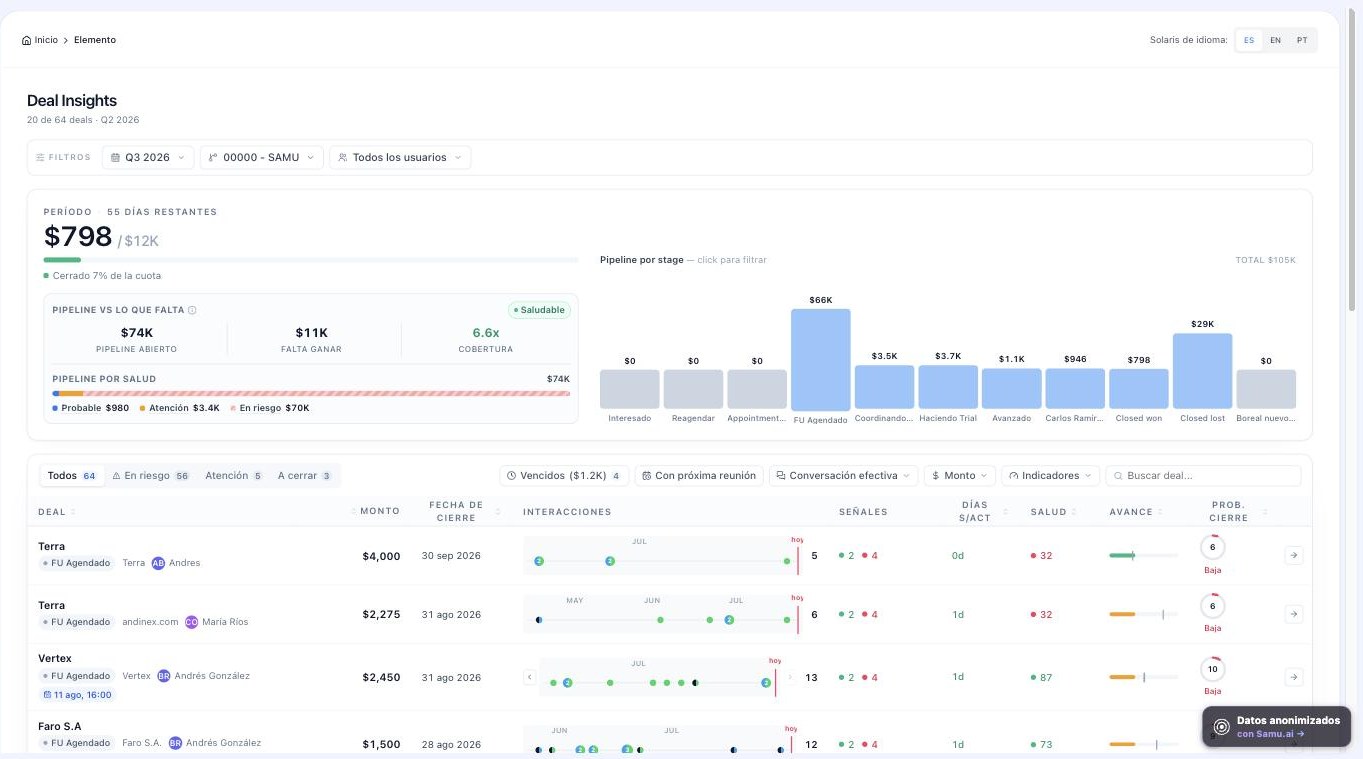
Which CRMs does Samu integrate with?
Samu connects natively with HubSpot, Salesforce, Pipedrive, Zoho, and Freshsales, plus Google Meet, Zoom, Microsoft Teams, Google Calendar, and WhatsApp. The connection takes a couple of minutes and doesn't change the rep's workflow: they keep selling, and the CRM stays up to date in the background.
And for teams that want to go beyond native integrations, Samu offers MCP (Model Context Protocol): the standard that lets you connect your conversation data to AI agents and custom workflows — for example, asking your AI assistant about the real status of a deal based on what was said on calls.
If a big part of your sales runs through WhatsApp, that channel deserves its own breakdown: we cover it in how to integrate WhatsApp with your CRM.
What does step-by-step implementation look like?
- Connect the CRM and your channels. Authorization via OAuth — no development required.
- Map your fields. Decide which CRM field each piece of extracted data should go to.
- Define extractors by call type. What matters in a discovery call isn't the same as what matters in a negotiation.
- Calibrate with real calls. Review the first outputs and adjust before rolling it out to the whole team.
- Communicate the change. Reps need to understand this takes work off their plate, not that they're being monitored.
What should you look for before choosing a tool?
- Make sure it's not just a notetaker with a different name. There are dozens of tools that record the meeting and leave a summary. That's not an integration — it's one more note someone has to read. The difference is a tool that understands the deal's context — what stage it's in, what was promised on previous calls, what risk signals showed up — and writes it, structured, into your fields. If all it leaves is a summary, you'll still be updating the CRM by hand.
- Make sure it's bidirectional. If it only reads or only writes, you'll end up stuck halfway there.
- Make sure it respects your structure. The AI should write into your fields and stages, not force its own on you.
- Channel coverage. If your team closes over WhatsApp and the tool only listens to video calls, you're missing half the picture. Samu covers meetings, phone calls, and WhatsApp.
- Security. You're connecting your sales conversations — demand audited standards. Samu has completed its SOC 2 Type II audit.
- Language and context. For LATAM, understanding real Spanish, with country-specific expressions, is the difference between useful data and badly translated noise.
How much time does automating CRM entry actually save?
Run the numbers with your own team: if each rep has 5 meetings a day and spends 10 minutes logging each one, that's nearly 4 hours a week per person in admin work. Across a 6-rep team, that's more than half a workday per person, per week, not spent selling.
The second, less visible saving is more valuable: decisions made on complete data. A forecast built on a CRM that's actually up to date sparks far fewer arguments than one built on what everyone happens to remember.
Frequently asked questions about AI and CRM
Do I need a developer to integrate it?
No. Native integrations with HubSpot, Salesforce, Pipedrive, Zoho, and Freshsales are authorized right from the platform in a few minutes. It's worth involving whoever administers the CRM to define field mapping and permissions.
How is this different from a notetaker I already know?
A notetaker summarizes meetings. A sales AI integration understands the deal's context: what stage it's in, what was promised, what's left to close, and writes structured data into your CRM fields — not a loose note. The proof is in your pipeline meeting: with a notetaker, you're still asking "how's this deal going?"; with a real integration, the answer is already in the CRM.
Can the AI clutter my CRM with wrong data?
It's a real risk if you don't calibrate. That's why it's best to start with a handful of extractors, review results against real calls, and only then expand. It also helps to keep human review on critical fields early on.
What about calls that aren't video calls?
Depends on the tool. Samu also analyzes phone calls and WhatsApp conversations, which in LATAM often carry a big share of how deals actually progress.
Does this replace the CRM?
No. The CRM stays the system of record; the AI is the layer that fills it in and interprets it. In fact, the better configured your CRM is, the more value you'll get from the integration.
Do I need to tell customers the call is being recorded?
Yes, and it's also good practice for transparency. Regulations vary by country, so check with your legal team; in practice, mentioning it at the start of the meeting resolves 99% of cases and almost never creates pushback.
Conclusion
An up-to-date CRM doesn't come from asking harder — it comes from taking the manual work off the rep's plate. Integrating sales AI with your CRM turns every conversation into clean, actionable data, and gives your team back the hours it currently loses to copying and pasting.
Want to see how Samu connects to your CRM? Try it with your own pipeline, with a guarantee: if you don't see value, you don't continue. Request a Samu demo or check out case studies from teams like yours.